
Facebook (somewhat quietly) rolled out a new feature on their pages for business platform that quickly enables anyone to see what content on a business page is being promoted (or run as an ad). It allows you to see some of their targeting and all of the ads that are being run on the Facebook Ad platform. I Would assume that Facebook is doing this in the spirit of data transparency, but essentially what they are doing is enabling advertisers to take competitive analysis to the next level.
How to do it!
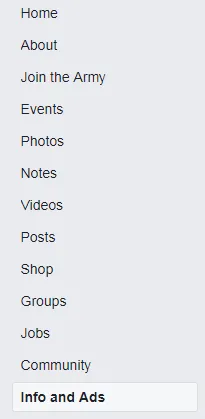
When you go to a Business Facebook Page (on a desktop\in browser) you will now see a link on the left menu
Facebook then allows you to filter some of the ads:
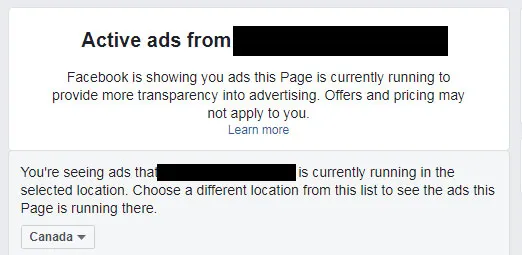
You will be shown all of the ads that the page (business) is running.
If you are interested in a full competitor analysis or running Facebook ads for your business contact us.
Written by Leland Dieno
Founder of Dieno Digital. I've been building websites and fixing digital problems for businesses since 1999. I still answer the phone myself.
Read my story